If you run Salesforce and you want to give customers a place to log in and help themselves, you will run into a naming problem before you run into a technical one. People say “client portal,” “customer portal,” and “Experience Cloud” as if they mean the same thing, and vendors do not go out of their way to clear it up. The confusion matters because the choice behind those words shapes what you pay, how long the build takes, and who has to maintain it afterward.
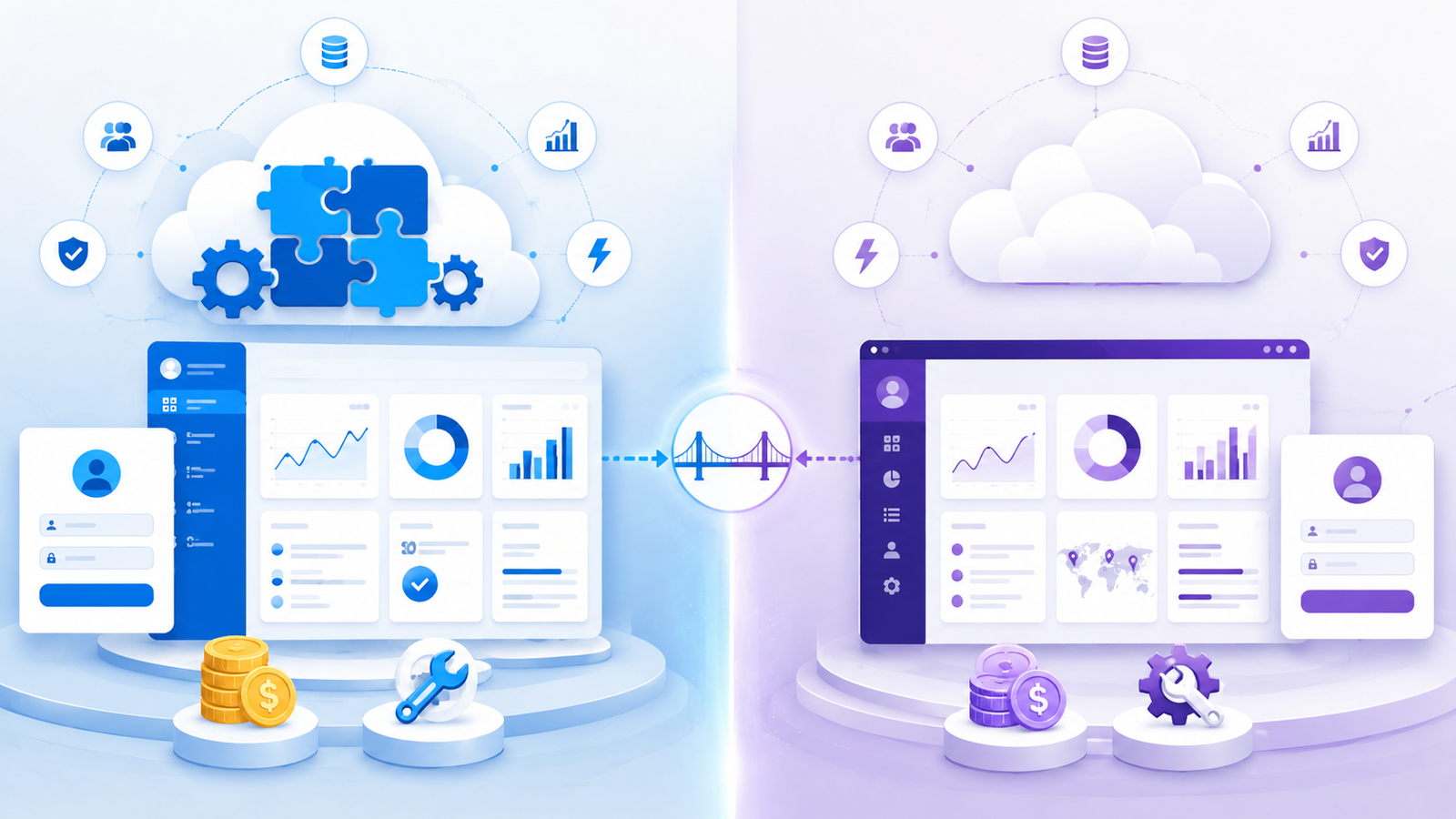
Here is the short version. Experience Cloud is a specific product built by Salesforce. A Salesforce client portal is a general category, and Experience Cloud is one way to build one. Third-party portal software is another. Knowing which layer you are talking about is the difference between comparing a product to a category and comparing two real options side by side.
What Experience Cloud actually is
Experience Cloud is Salesforce’s native platform for building portals, communities, and help sites on top of your org. It used to be called Community Cloud. Because it lives inside Salesforce, it reads and writes your CRM data directly, and it inherits Salesforce’s security model, its sharing rules, and its administration.
That tight coupling is the strength and the catch. You get deep access to Salesforce objects without an integration layer. You also get Salesforce’s licensing model, which charges per member or per login. Published rates land somewhere between a couple of dollars per login and roughly thirty-five dollars per member each month, before add-ons. For a portal with a few hundred occasional users that math is manageable. For one with tens of thousands of customers who log in unpredictably, the bill becomes a planning problem of its own.
The other cost is expertise. Building and maintaining an Experience Cloud site is a Salesforce admin and developer job. Layouts, sharing sets, and page components follow Salesforce conventions, so the people who keep it running are usually the same, already booked solid with the core CRM.
What do people mean by a “client portal”
When a business says it wants a Salesforce client portal, it usually means the outcome, not the product: a secure, branded site where customers log in, check their cases, download invoices, read knowledge base articles, and submit requests, all backed by live CRM data. Experience Cloud can deliver that outcome. So can a third-party portal that connects to Salesforce from the outside.
Third-party portal software such as CRMJetty’s Salesforce Customer Portal sits on top of your Salesforce org and syncs with it in real time, rather than being a native part of it. The customer still logs into one branded portal. The data they see still comes from Salesforce. What changes is the pricing model, the customization approach, and who can run it.
Where the two paths diverge
Pricing. This is usually the deciding factor. Experience Cloud scales with users through per-member or per-login charges. Most third-party portals, including CRMJetty, use flat licensing tied to your user base rather than to individual logins, so a spike in portal traffic does not translate into a spike in cost. If you cannot predict how many people will log in next quarter, a flat model removes a variable you would otherwise have to forecast.
Customization and speed. Experience Cloud gives you power at the price of Salesforce fluency. Purpose-built portal tools lean on no-code, drag-and-drop builders so that a non-developer can lay out pages, map fields, and adjust branding. Teams without spare Salesforce admin capacity tend to reach a working portal faster this way.
Who maintains it. Native means your Salesforce team owns the portal alongside everything else. External portal software shifts more of that day-to-day work to a marketing or operations owner using a visual builder, which frees the admins for CRM work only they can do.
Lock-in. Experience Cloud only serves Salesforce, which is fine if Salesforce is the only CRM you will ever run. A business that also uses, or expects to add, another CRM may prefer a portal layer that is not tied to a single ecosystem.
What stays the same
It is worth being clear about what does not change, because vendor comparisons tend to oversell the gap. Both approaches give customers self-service access to real Salesforce data. Both support role-based access, single sign-on, and document sharing. Both remove the phone calls and emails that ask for information already sitting in the CRM. Neither one is an ERP, and neither will fix a broken CRM data model underneath it. A portal surfaces what is in Salesforce. If the records are messy, the portal shows messy records to your customers.
How to choose
The honest test is not “which is better” but “which fits how we operate.” Reach for Experience Cloud when you have Salesforce admin capacity to spare, your user counts are predictable, and staying fully native is a hard requirement. Look at a third-party portal when login volume is high or hard to forecast, when you want a non-developer to own the portal, when you need to launch quickly, or when Salesforce may not be your only CRM for long.
In our experience working with businesses across several CRM platforms, the teams that regret their choice are almost always the ones that picked the product name instead of the operating model. Decide how you want to pay, who you want maintaining it, and how fast you need it live. The right label sorts itself out after that.