Creating custom invitations can transform any event from ordinary to unforgettable. Whether you are planning a wedding, birthday, corporate event, or a casual gathering, the invitation sets the tone and makes a lasting impression on your guests. With digital design tools like Adobe Express, printing invitations has never been easier, faster, or more creative. In this guide, we’ll walk you through how to print custom invitations using Adobe Express, explore design tips, and share actionable steps to make your invitations stand out.
Why Custom Invitations Make a Difference
Invitations are more than just a way to notify people of an event—they reflect the mood, theme, and personality of the occasion. Traditional pre-made cards often feel impersonal, whereas custom invitations allow you to express creativity and uniqueness. When you design and print your invitations using Adobe Express, you gain complete control over every detail: from colors and fonts to graphics, photos, and layouts.
Choosing custom invitations also communicates thoughtfulness. Guests are likely to appreciate the effort you put into a well-crafted invite. The attention to detail can spark excitement for your event even before it begins. Moreover, custom invitations help you maintain consistency across all aspects of your event, creating a cohesive theme that ties everything together.
Getting Started with Adobe Express
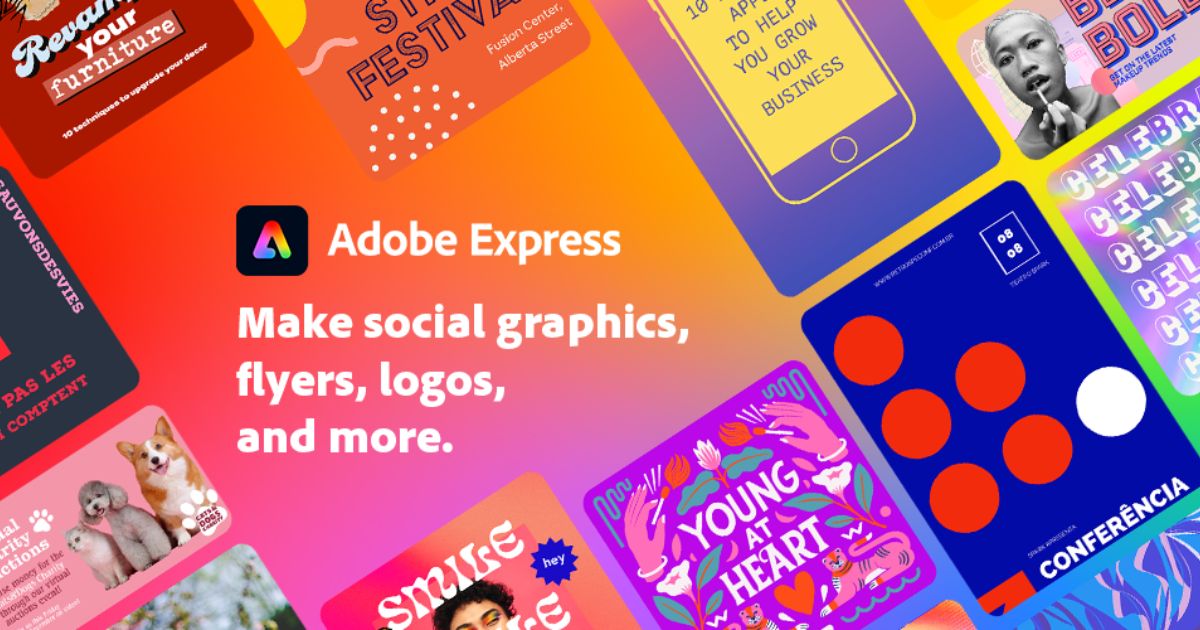
Adobe Express is a versatile, user-friendly tool that empowers both beginners and seasoned designers to create stunning invitations. The platform offers a vast library of templates, including options for weddings, birthdays, baby showers, corporate events, and more. Templates are fully customizable, so you can upload your own images, incorporate Adobe Stock graphics, add icons, and adjust colors and fonts to match your vision.
To begin designing, first sign in or create an Adobe Express account. Next, browse the templates and choose one that aligns with your event style. Don’t worry if it’s not perfect right away—each element can be adjusted to reflect your preferences. Whether you want a minimalist design or something bold and vibrant, Adobe Express gives you the flexibility to bring your ideas to life.
Step-by-Step Guide to Printing Custom Invitations
Step 1: Choose the Right Template
Start by selecting a template that best fits your event type. Adobe Express categorizes templates by occasions, such as weddings, parties, corporate events, or pop-ups. When browsing, consider the layout, color palette, and overall vibe. Choosing a template that closely aligns with your vision reduces the amount of customization needed later, saving you time and effort.
Step 2: Customize Your Invitation
Once you’ve picked a template, it’s time to personalize it. You can change text, fonts, and colors to match your event’s theme. Upload personal images or logos, and use Adobe Express’s library of graphics to add decorative elements. Attention to detail is key: small adjustments to spacing, alignment, and font sizes can dramatically improve your invitation’s visual appeal.
Step 3: Preview Your Design
After customizing, preview your invitation carefully. Adobe Express allows you to see how the final product will look in both digital and print formats. Check for spelling errors, alignment issues, and color consistency. Previewing ensures that your invitations will maintain a professional and polished appearance when printed.
Step 4: Select Print Options
Adobe Express offers a range of printing options. You can choose from different sizes, paper types, and finishes, depending on the feel you want for your invitations. Matte finishes provide a classic, elegant look, while glossy finishes add vibrancy and shine. Consider your guest list and budget when selecting paper quality and quantity to ensure your invitations make the desired impact.
Step 5: Print and Distribute
Once your design and print options are finalized, place your order directly through Adobe Express. The platform provides high-quality printing services that deliver invitations ready to send out. For digital distribution, you can also export your design as a PDF or image file to share via email or social media. This flexibility allows you to reach guests quickly while maintaining a consistent, professional appearance.
Tips for Designing Eye-Catching Invitations
- Use Contrasting Colors: Make important details stand out by pairing complementary colors.
- Keep Text Readable: Avoid overly fancy fonts that may be hard to read.
- Balance Images and Text: Ensure graphics enhance rather than overwhelm your message.
- Incorporate Event Branding: For corporate events, include logos or brand colors to reinforce identity.
- Use White Space Wisely: A clean design with breathing space looks elegant and professional.
Benefits of Printing Custom Invitations
Printing your invitations using Adobe Express offers several advantages:
- Professional Finish: High-quality printing ensures your invitations look polished and refined.
- Convenience: Everything can be designed, customized, and printed in one place.
- Cost-Effective: Custom invitations can be more affordable than purchasing premium pre-made cards.
- Creativity: You have complete control over every design element, enabling unique, personalized invitations.
- Time-Saving: Templates streamline the design process, letting you create stunning invitations in minutes.
Common Use Cases
Custom invitations are not limited to personal events—they can also enhance professional gatherings. Businesses can use them for grand openings, product launches, conferences, or client appreciation events. Similarly, non-profit organizations can design invitations for fundraisers or awareness campaigns, ensuring the message resonates with recipients and encourages engagement.
Conclusion
Designing and printing invitations no longer needs to be a stressful or time-consuming process. By using Adobe Express, anyone can create visually striking invitations that leave a lasting impression on their guests. From personal events like weddings and birthdays to professional occasions, the ability to print custom invitations using Adobe Express ensures every detail reflects your vision. Whether you prioritize creativity, convenience, or quality, this approach streamlines the process while delivering professional results.
Start designing today, explore different templates, customize freely, and bring your event’s first impression to life. Remember, a thoughtfully designed invitation sets the tone, excites your guests, and demonstrates your attention to detail.